How to install NudeStars on Null’s Brawl: complete guide
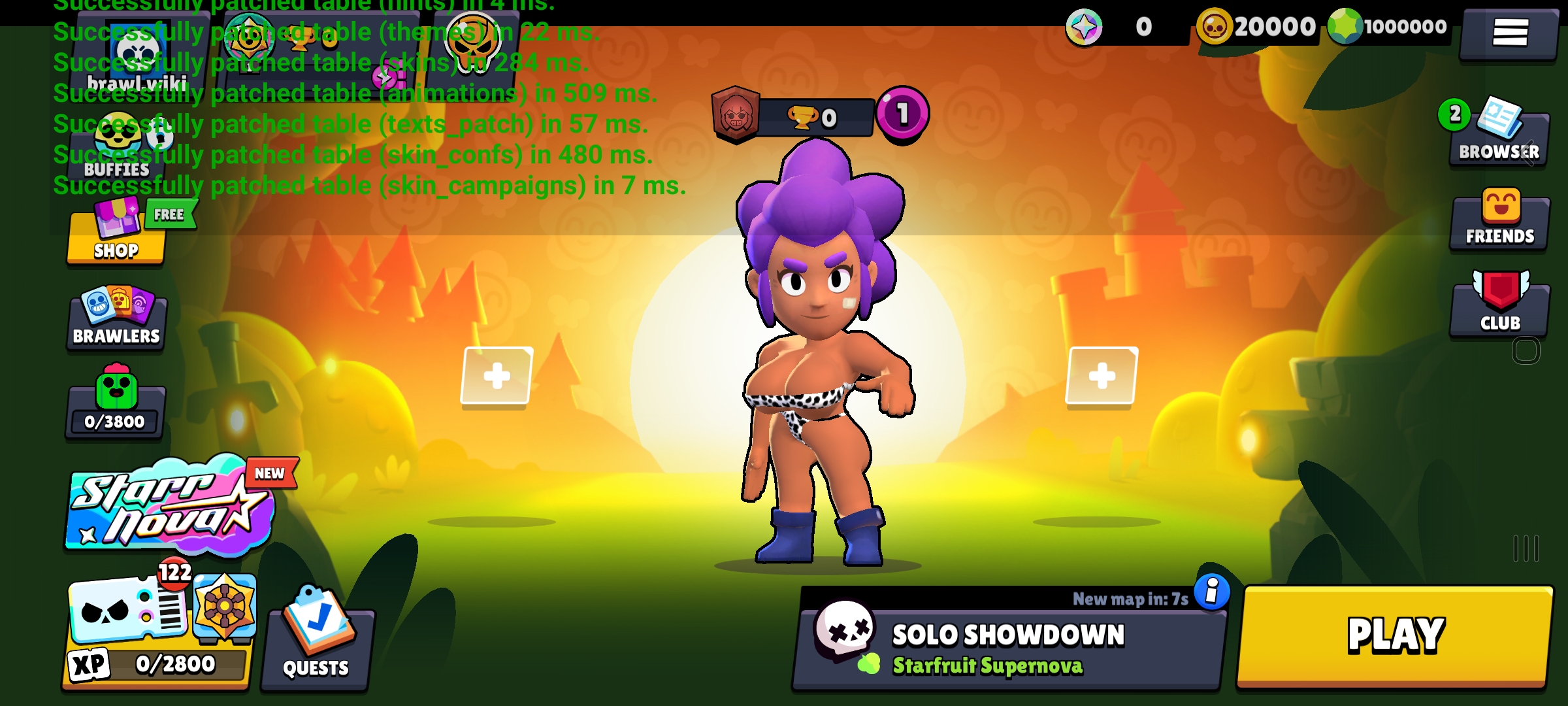
Are you looking for a way to change the visual look of your favorite private server? The developers have announced that most older modifications of this type are currently outdated, but a fresh solution has appeared — a special NudeStars patch for Null's Brawl.
This add-on has already been verified, and installing it is quite simple. Follow this guide:
Download and install the latest version of Null’s Brawl.
Download the NudeStars asset to your device.
Open the downloaded file using the ZArchiver file manager (select the "Open with" option and specify Null’s Brawl).
In the installer window that appears in the game, confirm your consent and tap "Install".
Perform a full restart of the game.
Important: If you see an "unknown format" error, make sure you are using ZArchiver and not the standard Android file explorer.