How to manage your project in the AllBrawls catalog
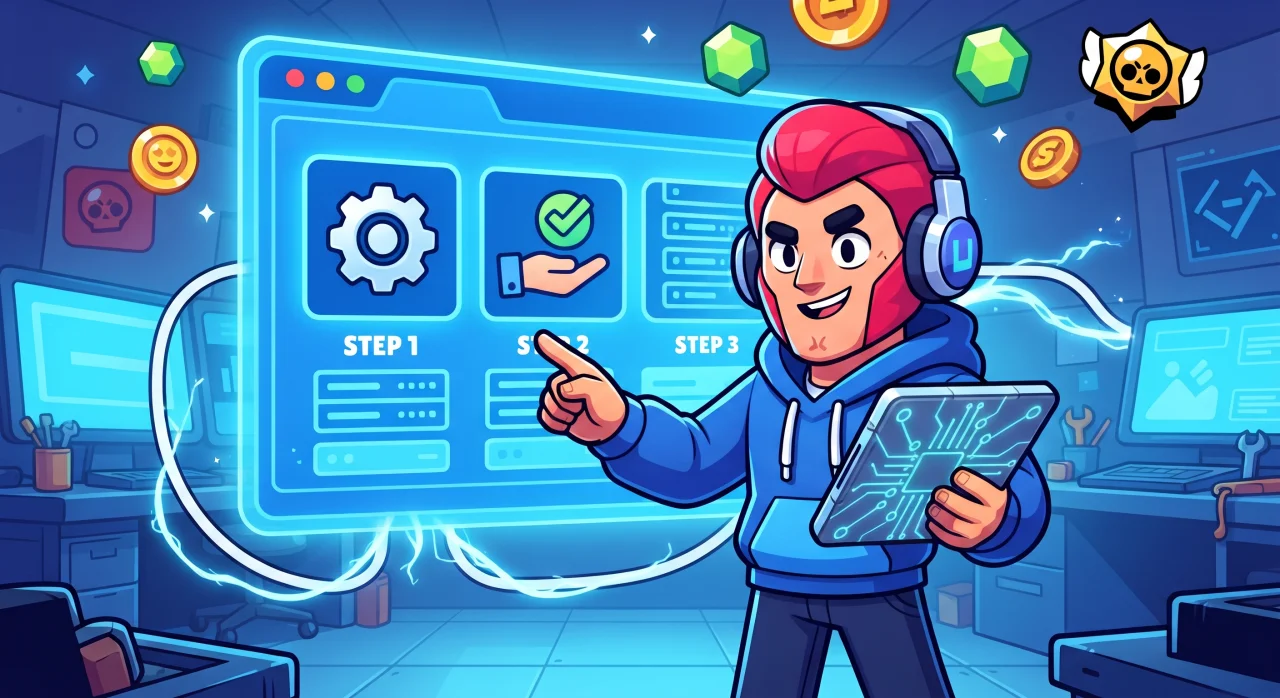
To get access to developer tools, you first need to register an author profile.
Creating an owner profile
Log in to the site via Telegram or Google.
Open your profile menu (click your nickname/avatar in the upper right corner) and select “Settings”.
In the sidebar block “Have your own project?”, click the “Get started” button (or simply click the “Claim project” link on the page of any mod).
On the “Create owner profile” page, fill in the following information:
Owner or team name (displayed as the author in your projects).
Contact (Telegram or eMail) (for contact with administration, hidden from others).
Website and About the owner (optional).
Check the box “I agree with the AllBrawls platform rules”.
Click the “Create owner profile” button.
After creating the profile, a new section will appear in your main menu — “My Projects” (or the “Owner Cabinet” button in the sidebar).
How to claim rights to a project already in the catalog
If your server or mod has already been published on the site by our editors:
Find your project:
Quick method: open your product page in the catalog and click “Claim project” next to the title.
Via cabinet: go to the “My Projects” menu, click the “Claim rights to project” button, and find it by name in the search field.
Confirm ownership:
The “Confirm that this is your project” window will open with a personal verification text and code.
Copy this text and publish it as a new post in your project's Telegram channel.
Automatic verification: Wait about 15 seconds — our bot will scan the channel.
Once the post is found, your application will be sent to the administrator for manual approval, so please do not delete the verification message.
How to add a new project (if it is not in the catalog yet)
If you launched a new mod or server that is not on AllBrawls yet:
Go to the profile menu “My Projects”.
Click the “Add Project” button.
Complete the 4 consecutive form steps:
Main — specify the project name and select a category.
Media — upload the icon and screenshots (5-6 items) of the project.
Description — add a description of your project's features. Pay attention to the description requirements.
Sources — specify the official Telegram channel and website (if any) of your project.
Submit the application for moderation.
After a quick review by the administrator, the project will appear in the catalog, and you will be able to publish new releases and installer files to it.
Discussion (0)
No comments yet. Be the first!