How to install NudeStars on Null’s Brawl: full guide
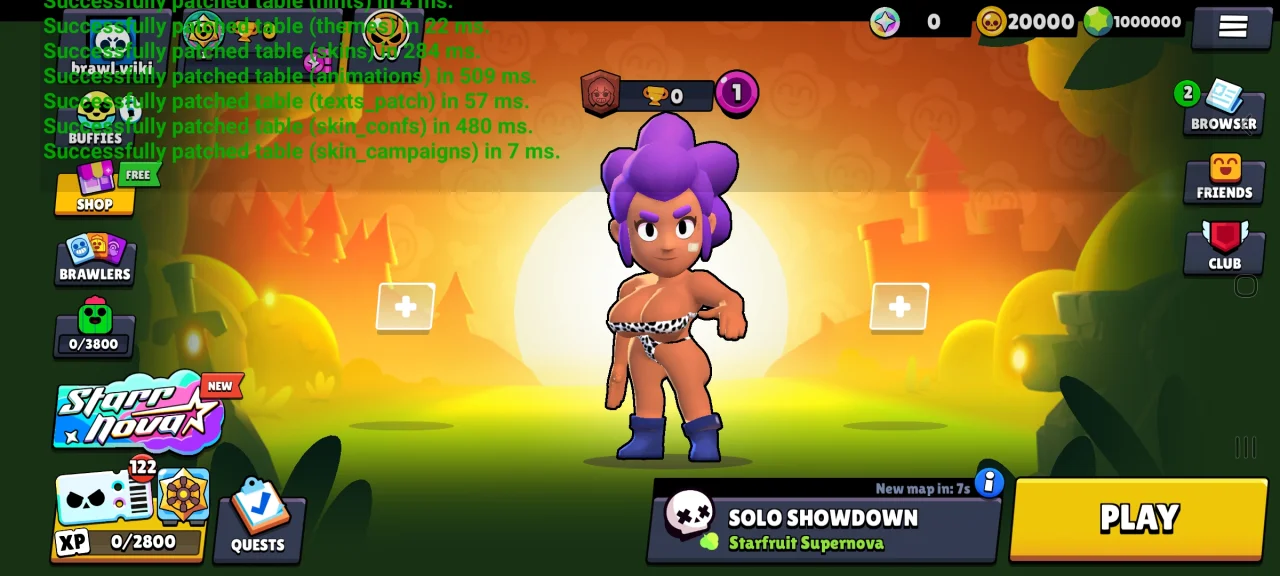
Are you looking for a way to change the visuals of your favorite private server? The developers have announced that most older modifications of this type are currently outdated, but a fresh solution has appeared — the special NudeStars patch for Null's Brawl.
This add-on has been tested, and installing it is quite simple. Follow these instructions:
Download and install the latest version of Null’s Brawl.
Download the NudeStars asset to your device.
Open the downloaded file using the ZArchiver file manager (select the "Open with" option and choose Null’s Brawl).
In the installer window that appears in the game, confirm your consent and tap "Install".
Perform a full restart of the game.
Important: If you see an "unknown format" error, make sure you are using ZArchiver and not the default Android file manager.
Discussion (20)


Так версия всё равно уже устарела а обновы нет



Данный мод устарел а новой версии пока что нет


Ijjjj